Claude Code vs Cursor 2026: असली काम के आधार पर चुनाव
Repo onboarding, React refactor, CI fix, tests, docs और सुरक्षित टीम उपयोग के लिए Claude Code और Cursor की तुलना।
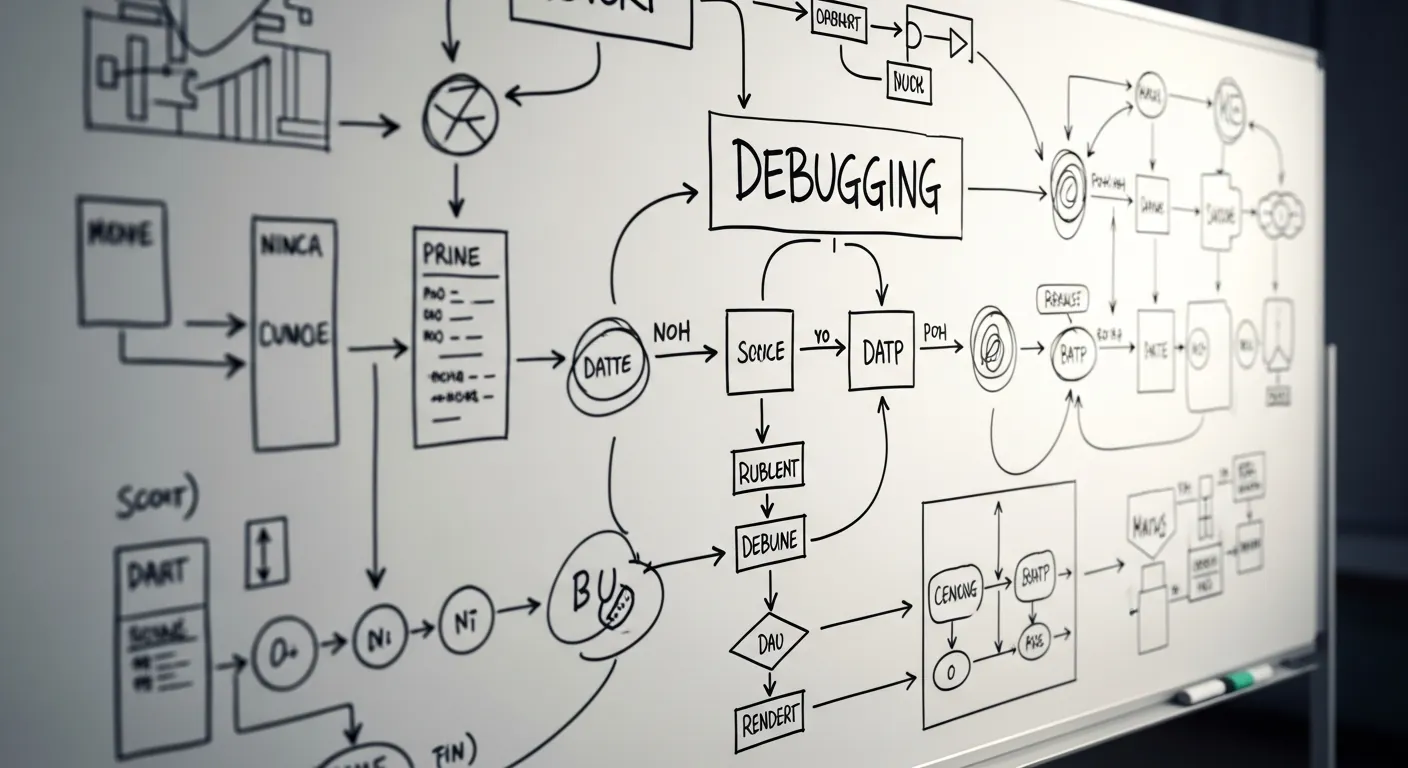
“Claude Code इस्तेमाल करूं या Cursor?”
यह सवाल केवल tool comparison नहीं है। असली सवाल workflow का है। Cursor एक AI code editor workflow है: Tab autocomplete, inline edit, Chat, Agent, Rules और codebase indexing सब editor के अंदर रहते हैं। Claude Code एक agentic terminal/repo workflow है: आप goal देते हैं, वह repository पढ़ता है, files बदलता है, commands और tests चलाता है, फिर result report करता है।
Beginner के लिए Cursor editor के अंदर तेज pair programmer जैसा लगता है। Claude Code ऐसा agent है जिसे scoped development task दिया जा सकता है। दोनों उपयोगी हैं, लेकिन दोनों का best job अलग है।
Current facts के लिए यह लेख केवल official sources पर आधारित है, updated 2026-06-02: Claude Code overview, Anthropic Claude Code product page, Cursor Docs और Cursor Concepts। Pricing और version details जल्दी बदलती हैं, इसलिए यहां unsupported दावा नहीं किया गया है।
Related guides के लिए Claude Code context management, code review checklist और Claude Code CI/CD setup देखें।
छोटा जवाब
जब आप code लिख रहे हों और next line, small function, JSX change या inline edit चाहिए, Cursor बेहतर अनुभव देता है। जब task में existing repo समझना, multiple files बदलना, tests चलाना, CI failure पढ़ना और verification receipt देना शामिल हो, Claude Code ज्यादा सही है।
मैं practical काम में इसे एक बार का चुनाव नहीं मानता। Investigation, plan, multi-file change, test execution और review summary के लिए Claude Code। Local editing, diff पढ़ना, छोटी suggestions accept/reject करना और UI copy polish करने के लिए Cursor।
खतरा तब होता है जब task के बीच tool बदल दिया जाता है और handoff नहीं लिखा जाता। Cursor ने दो files बदलीं, Claude Code ने पांच और बदलीं, लेकिन कौन सा test चला यह नहीं लिखा, तो review मुश्किल हो जाता है।
Comparison table
| विषय | Cursor | Claude Code | Practical निर्णय |
|---|---|---|---|
| Editor UX | VS Code जैसा editor, Tab autocomplete, inline edit, Chat, Agent | Terminal, IDE, desktop या web से goal-based काम | लिखते समय Cursor, delegated task के लिए Claude Code |
| Repo context | Indexing, Rules, chats, selected files | Repository पढ़ता है, dependencies follow करता है | बड़े repo में पहले repo map बनवाएं |
| Terminal/file permissions | Editor-centered, Agent files बदल सकता है | File edits और commands की permission साफ चाहिए | Allowed files और commands लिखें |
| Multi-file refactor | Visual diff आसान, लेकिन scope बड़ा हो तो discipline चाहिए | Broad change, tests और report में मजबूत | 5+ files हों तो Claude Code पहले |
| Tests | Tests लिखते समय autocomplete अच्छा | Tests चलाने, failure पढ़ने, retry करने में अच्छा | Verification receipt मांगें |
| Review | Human diff review आसान | Intent, risks, unverified items summarize करता है | Final review इंसान करे |
| Team onboarding | VS Code users जल्दी अपनाते हैं | CLI, permissions, repo rules सिखाने पड़ते हैं | Templates और small tasks से शुरू करें |
| Non-engineer use | Small text/UI edits संभव, Git knowledge चाहिए | Natural language brief आसान, guardrails जरूरी | PO के लिए safe template और review |
| Security | Rules, workspace, secrets hygiene जरूरी | File/command permissions, env vars, logs जरूरी | Secrets paste न करें, least privilege रखें |
Use case 1: existing repo के पहले 30 मिनट
अनजान repository में पहला step implementation नहीं होना चाहिए। Cursor files खोलने और definition follow करने में अच्छा है, लेकिन शुरुआत में map चाहिए: directories, commands, tests, risky areas और uncommitted changes।
इस काम के लिए मैं Claude Code को read-only mode में चलाता हूं।
claude -p "$(cat <<'PROMPT'
इस repository को read-only mode में inspect करें। अभी कोई file modify न करें।

Return करें:
1. मुख्य directories और उनकी responsibility
2. app start, lint, test और build commands
3. auth, billing, external APIs, migrations जैसे risky areas
4. existing uncommitted changes जिन्हें नहीं छूना चाहिए
5. तीन safe first improvement tasks

Evidence के लिए पढ़ी गई files list करें।
PROMPT
)"
इसके बाद Cursor में वही files खोलकर detail पढ़ें। Claude Code map बनाता है, Cursor उस map पर चलने में मदद करता है।
Use case 2: React component refactor
छोटे React cleanup में Cursor बहुत तेज है। Block select करें, inline edit मांगें, diff देखें, accept या reject करें। Small helper extract करना, prop name adjust करना, accessibility attribute जोड़ना और repeated JSX complete करना इसके अच्छे use cases हैं।
अगर component split, tests, stories, imports और callers भी बदलने हैं, Claude Code safer है। Prompt “clean up this component” नहीं होना चाहिए। Scope और no-go areas लिखें।
## Task brief

Goal:
- `ProductSummaryPanel` को maintain करना आसान बनाना

Allowed scope:
- `src/components/product/ProductSummaryPanel.tsx`
- उसी folder के छोटे child components
- इस component के existing tests

Do not change:
- API response types
- User-facing copy
- Price या discount logic
- Routes

Done means:
- केवल intended visual changes
- `npm test -- ProductSummaryPanel` pass
- Final answer changed files, risk और verification बताए
यह brief Cursor Chat में भी काम करता है और Claude Code को full implementation/test task देने में भी।
Use case 3: CI fix
CI failure अक्सर Claude Code के लिए बेहतर task है। Flow साफ है: logs पढ़ना, failing area ढूंढना, code inspect करना, patch लगाना, local equivalent command चलाना और result summarize करना। Cursor pasted error समझाने में मदद करता है, लेकिन repeated execution Claude Code में बेहतर बैठता है।
यहां बड़ा pitfall है कि AI tests कमजोर करके pipeline green कर दे। पहले rules लिखें।
## CI fix rules

- Failing tests delete न करें।
- Broken behavior से match कराने के लिए expectations न बदलें।
- lint, type या coverage settings loose न करें।
- unrelated files format न करें।
- secrets, tokens या environment variable values print न करें।
Fix के बाद receipt मांगें।
## Verification receipt

Changed files:
-

Commands run:
-

Results:
-

Not verified:
-

Needs human review:
-
Use case 4: docs और tests लिखना
Docs और tests में दोनों tools साथ अच्छे हैं। Claude Code से implementation पढ़वाएं, missing cases निकलवाएं, tests add करवाएं, tests run करवाएं और current behavior के docs update करवाएं। Cursor exact wording polish करने या छोटा test case हाथ से लिखने में अच्छा है।
Weak prompt है: “tests लिखो”। इससे अक्सर केवल happy path आता है। Better prompt में failure paths लिखें: empty data, permission difference, long strings, external API failure, invalid input और regression।
## Review checklist

- क्या failure-path tests हैं, सिर्फ success tests नहीं?
- क्या role या permission differences covered हैं?
- क्या empty arrays, null और long strings handled हैं?
- क्या external API failure represented है?
- क्या docs code के same names use करते हैं?
- क्या commands और results record हुए हैं?
और विस्तार के लिए Claude Code testing strategies पढ़ें।
Use case 5: non-engineer product owner का safe change request
Claude Code product owners के लिए आकर्षक है क्योंकि request natural language में लिखी जा सकती है। लेकिन इसका मतलब यह नहीं कि non-engineer arbitrary code change approve करे। Scope को copy changes, docs, display order, acceptance criteria और test ideas तक सीमित रखें। Code changes पर engineer review जरूरी है।
Cursor छोटे UI text edits के लिए ठीक हो सकता है, अगर व्यक्ति Git और build process समझता है। वरना direct editor changes team support burden बनते हैं।
## Decision matrix

| Task | Recommended tool | Why | Human review |
|---|---|---|---|
| तीन labels बदलना | Cursor | Visual diff आसान | Light |
| Existing repo map करना | Claude Code | Repository exploration बेहतर | Summary review |
| React component split करना | Claude Code + Cursor | Plan/tests Claude Code, polish Cursor | Required |
| CI fix | Claude Code | Logs, patch, rerun साथ रहते हैं | Required |
| PO safe change मांगे | Claude Code | Natural language brief structure होता है | Required |
Common pitfalls
पहला pitfall autocomplete overconfidence है। Cursor तेज है, लेकिन तेज होना correct होना नहीं है। Similar function names, old APIs और edge cases human responsibility हैं।
दूसरा pitfall huge context बिना repo map देना है। Claude Code बहुत पढ़ सकता है, लेकिन allowed files, forbidden files और test commands न हों तो unrelated changes का risk बढ़ता है।
तीसरा pitfall tests बिना change apply करना है। AI explanation verification नहीं है। lint, tests, build या “क्यों नहीं चला” record करें।
चौथा pitfall secrets और workspace permissions है। API keys, production DB URL, personal tokens या .env content paste न करें। Dummy values और least privilege use करें।
पांचवां pitfall tool switch बिना handoff है। Cursor से Claude Code या वापस जाते समय changed files, remaining work और verification status लिखें।
Adoption advice
Solo work में Cursor को daily editor और Claude Code को research, broad edits, tests और review agent बनाना practical है। Team में पहले written workflow बनाएं: allowed repos, allowed commands, secret rules, review owner और receipt format।
ClaudeCodeLab teams को Claude Code onboarding, Cursor handoff rules, CLAUDE.md, Cursor Rules, review checklists और product/engineering training बनाने में मदद करता है। Repeatable setup चाहिए तो Claude Code training and consultation से शुरू करें।
निष्कर्ष
Cursor code लिखने के क्षण को तेज करता है। Claude Code repository task को request से verification तक ले जाने में मजबूत है। Local editing और autocomplete के लिए Cursor। Investigation, multi-file changes, CI, tests और review के लिए Claude Code।
Masa का hands-on result: उसी React area को सिर्फ Cursor से refactor करने पर local editing तेज थी, लेकिन test notes और review explanation छूट गए। जब Claude Code ने पहले repo map, task plan और verification receipt बनाया, फिर Cursor से copy polish और diff inspection किया, final change review में समझाना आसान हुआ। मेरा practical answer यह नहीं कि कौन जीतता है; बल्कि Claude Code से task का entrance और exit fix करें, और बीच की editing feeling Cursor से बेहतर बनाएं।
संबंधित लेख
Claude Code vs GitHub Copilot 2026: टीम के लिए सही विकल्प
दोनों अब एजेंट हैं। निष्पक्ष ट्रायल में काम की जगह, अनुमतियों, समीक्षा, लागत और टीम फिट की तुलना करें।

Claude Code vs Devin 2026: सही AI coding agent कैसे चुनें
Claude Code और Devin की तुलना: workflow, permissions, review, risk, prompts और verification template.

Claude Code से धीमे Node.js को ठीक करें: अनुमान नहीं, पहले मापें
Claude Code, timer, उपयोग मामले, गलतियां और जांच के साथ Node.js bottleneck मापकर ठीक करने का तरीका।
मुफ़्त PDF: Claude Code cheatsheet
Email डालें और commands, review habits तथा safe workflow वाली एक-page PDF पाएँ.
हम आपका data सुरक्षित रखते हैं और spam नहीं भेजते.

लेखक के बारे में
Masa
Claude Code workflow और team adoption पर काम करने वाला engineer.